


no technical knowledge required to get started.
with intelligent automation and instant response to changing conditions.


// firmware installation tips
Lets Start
your mining journey Now
Check If Your Equipment Is Supported
Antminer Firmware for S19, S21, L7 and L9. List of supported Antminer miners:
| Control Board | Model |
| XILINX (XIL) | Antminer T21 |
| AMLOGIG (AML) | |
| CVITEK (CV) | |
| AMLOGIG (AML) | Antminer S21 |
| AMLOGIG (AML) | Antminer S21 Pro |
| AMLOGIG (AML) | Antminer S21+ |
| AMLOGIG (AML) | Antminer S21 XP |
| Control Board | Model |
| XILINX (XIL) | Antminer S21 Hydro |
| XILINX (XIL) | Antminer S21 XP hydro |
| AMLOGIC (AML) | Antminer S21 IMM |
| XILINX (XIL) | Antminer S21e XP hydro |
| CVITEK (CV) | Antminer S21+ Hydro |
| XILINX (XIL) | |
| AMLOGIC (AML) | |
| XILINX (XIL) | Antminer S21e Hydro |
| AMLOGIC (AML) |
| Control Board | Model |
| XILINX (XIL) | Antminer T19 |
| XILINX (XIL) | Antminer S19 76 chips |
| AMLOGIG (AML) | Antminer S19 88 chips |
| Beagle Bone (BB) | |
| XILINX (XIL) | |
| CVITEK (CV) | |
| AMLOGIG (AML) | Antminer S19 126 chips |
| CVITEK (CV) | |
| XILINX (XIL) | Antminer S19+ |
| XILINX (XIL) | Antminer S19a |
| XILINX (XIL) | Antminer S19a Pro |
| XILINX (XIL) | Antminer S19i |
| XILINX (XIL) | Antminer S19j |
| Beagle Bone (BB) | |
| CVITEK (CV) | |
| AMLOGIG (AML) | Antminer S19 j+ |
| Beagle Bone (BB) | |
| XILINX (XIL) | |
| CVITEK (CV) | Antminer S19j Pro |
| AMLOGIG (AML) | |
| Beagle Bone (BB) | |
| XILINX (XIL) | |
| CVITEK (CV) | Antminer S19j Pro+ |
| AMLOGIG (AML) | |
| Beagle Bone (BB) | |
| XILINX (XIL) | |
| CVITEK (CV) | Antminer S19 j XP |
| AMLOGIG (AML) | |
| XILINX (XIL) | |
| AMLOGIG (AML) | Antminer S19 Pro-a |
| XILINX (XIL) | |
| Beagle Bone (BB) | |
| XILINX (XIL) | Antminer S19k Pro |
| CVITEK (CV) | |
| AMLOGIG (AML) | |
| XILINX (XIL) | Antminer S19 Pro |
| XILINX (XIL) | Antminer S19 pro a |
| CVITEK (CV) | Antminer S19 ХР |
| AMLOGIG (AML) | |
| XILINX (XIL) |
| Control Board | Model |
| XILINX (XIL) | Antminer T19 Hydro |
| XILINX (XIL) | Antminer T19 Pro hydro |
| XILINX (XIL) | Antminer S19 Hydro |
| XILINX (XIL) | Antminer S19 Pro Hydro |
| XILINX (XIL) | Antminer S19 Pro+ Hydro |
| XILINX (XIL) | Antminer S19 XP Hydro |
| XILINX (XIL) | Antminer S19e XP Hydro |
| Control Board | Model |
| CVITEK (CV) | Antminer L9 |
| AMLOGIG (AML) | |
| XILINX (XIL) | Antminer L7 |
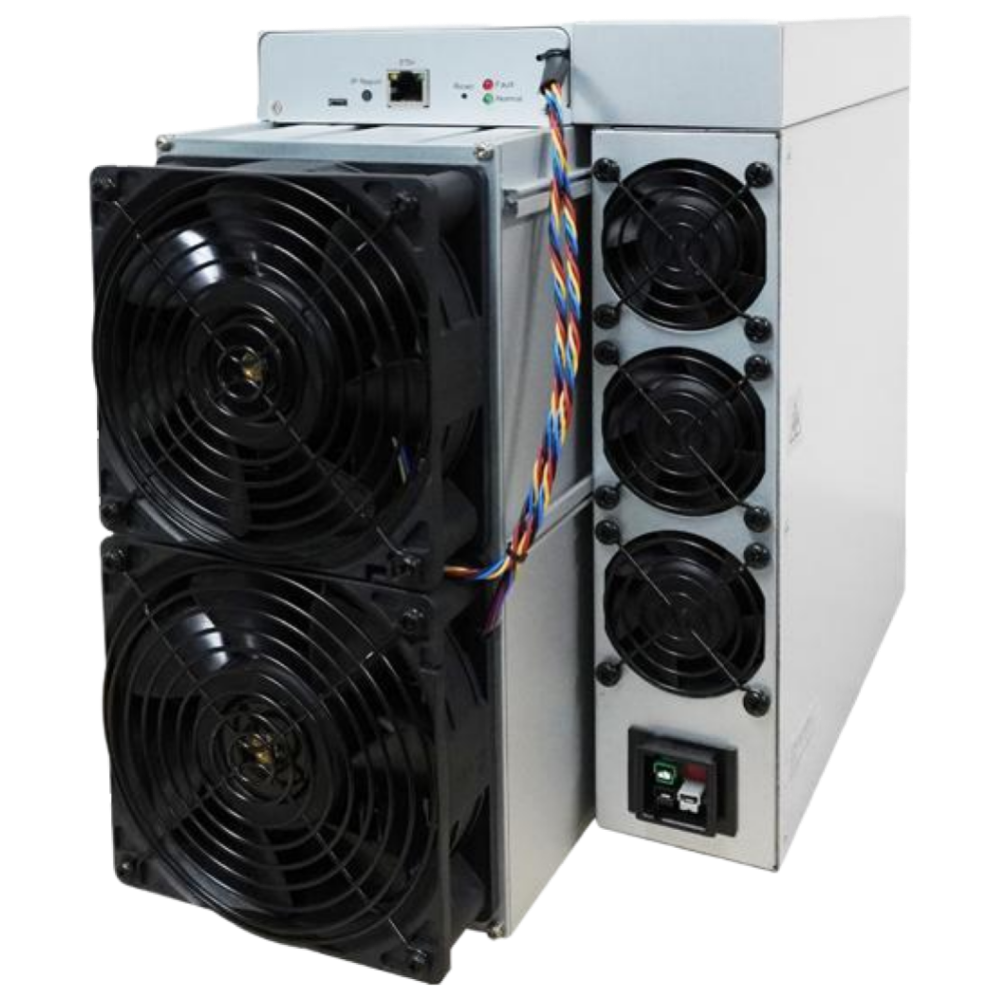
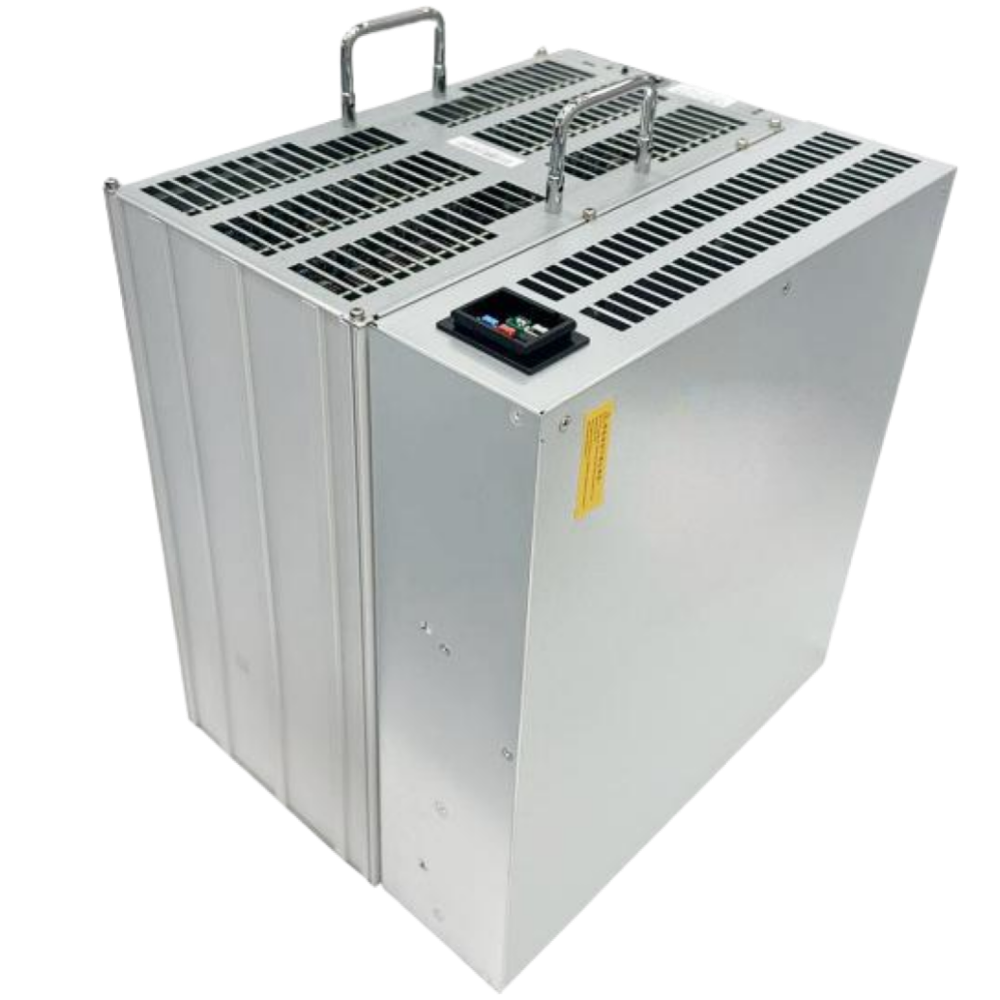
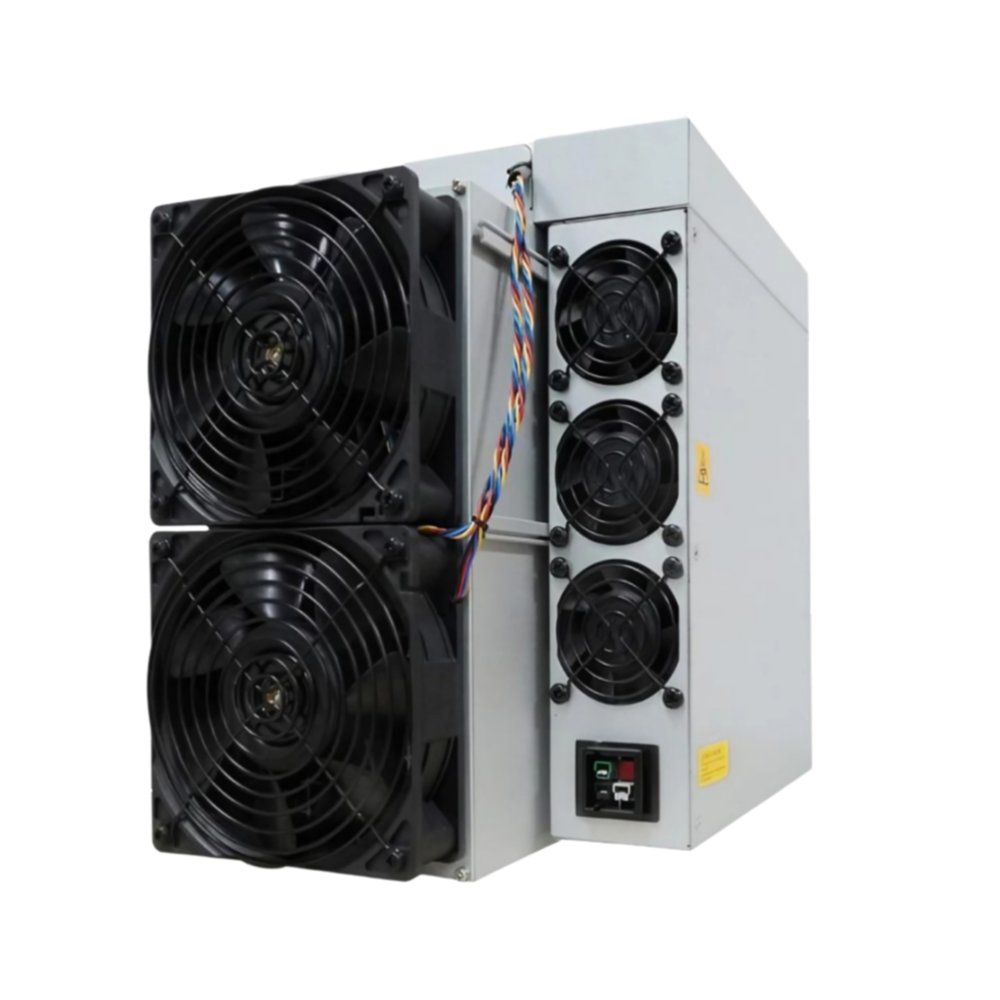
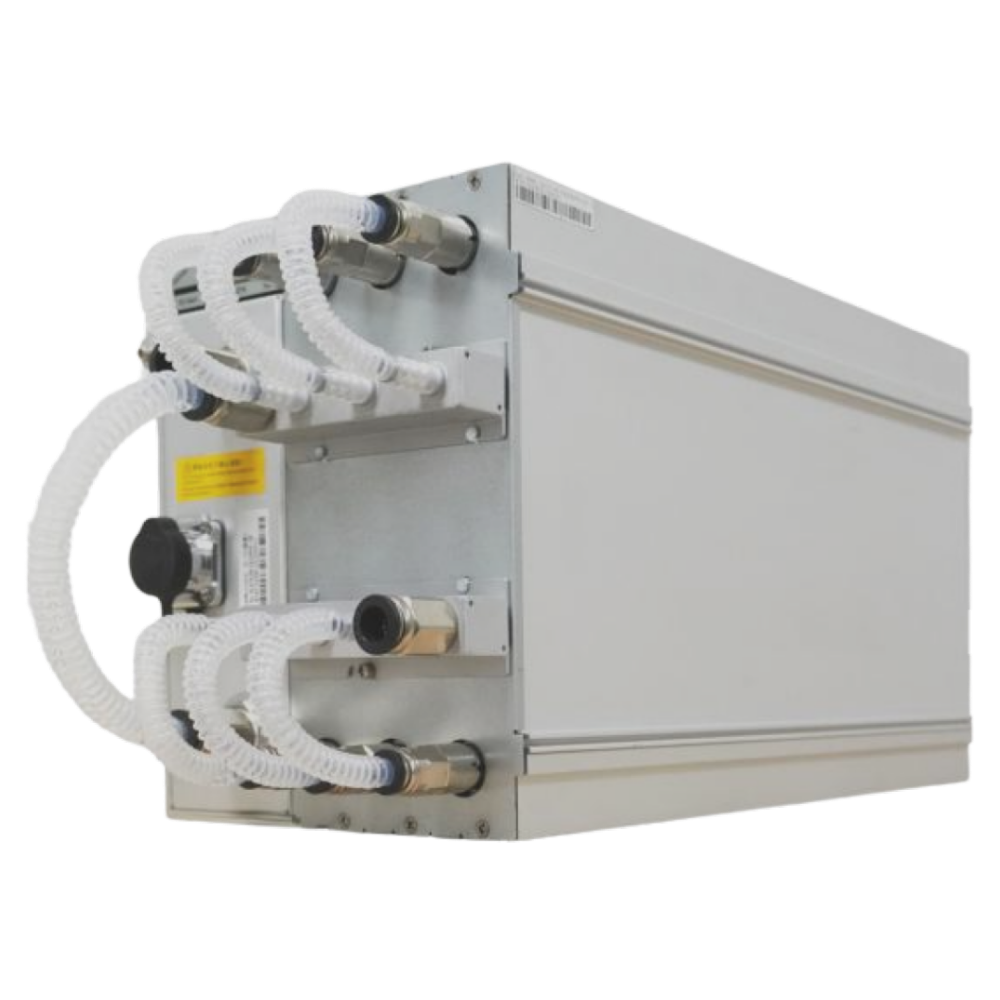
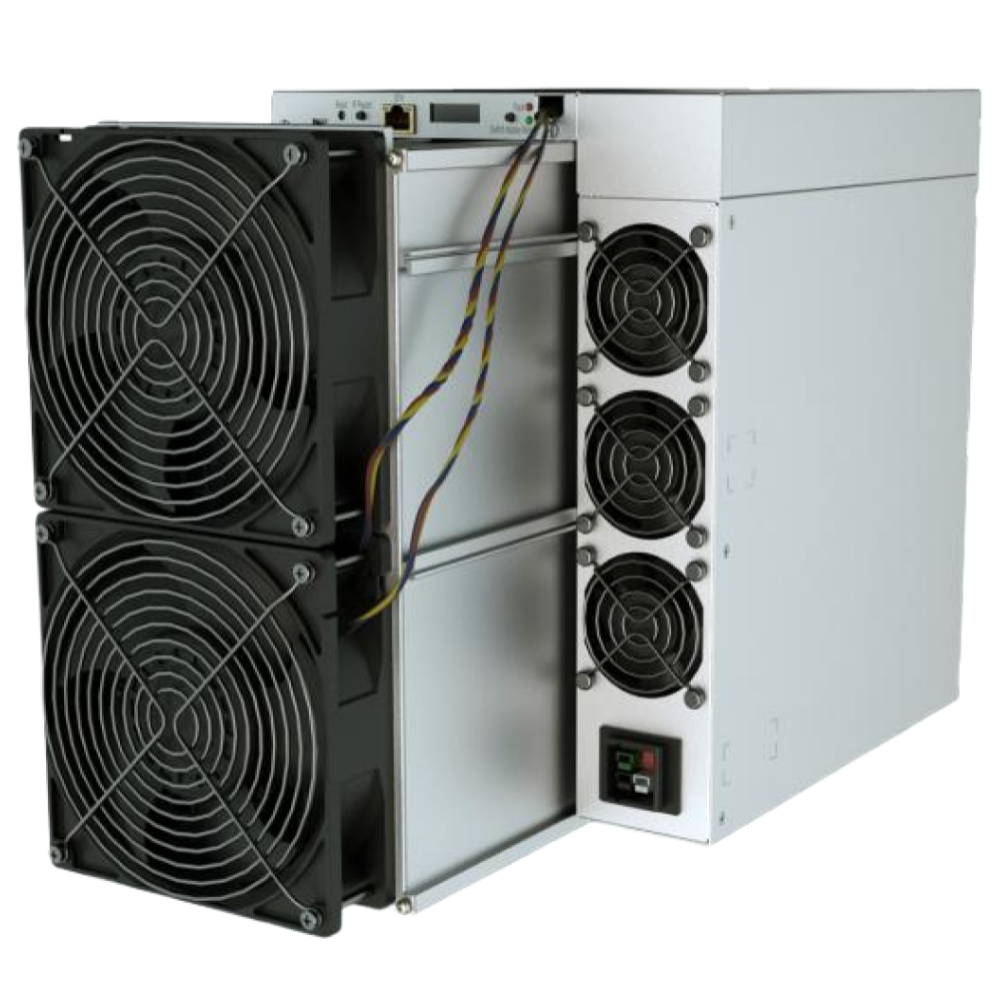
If your device appears in the list, continue to Step 2.
Unlock Your Stock Firmware If Needed
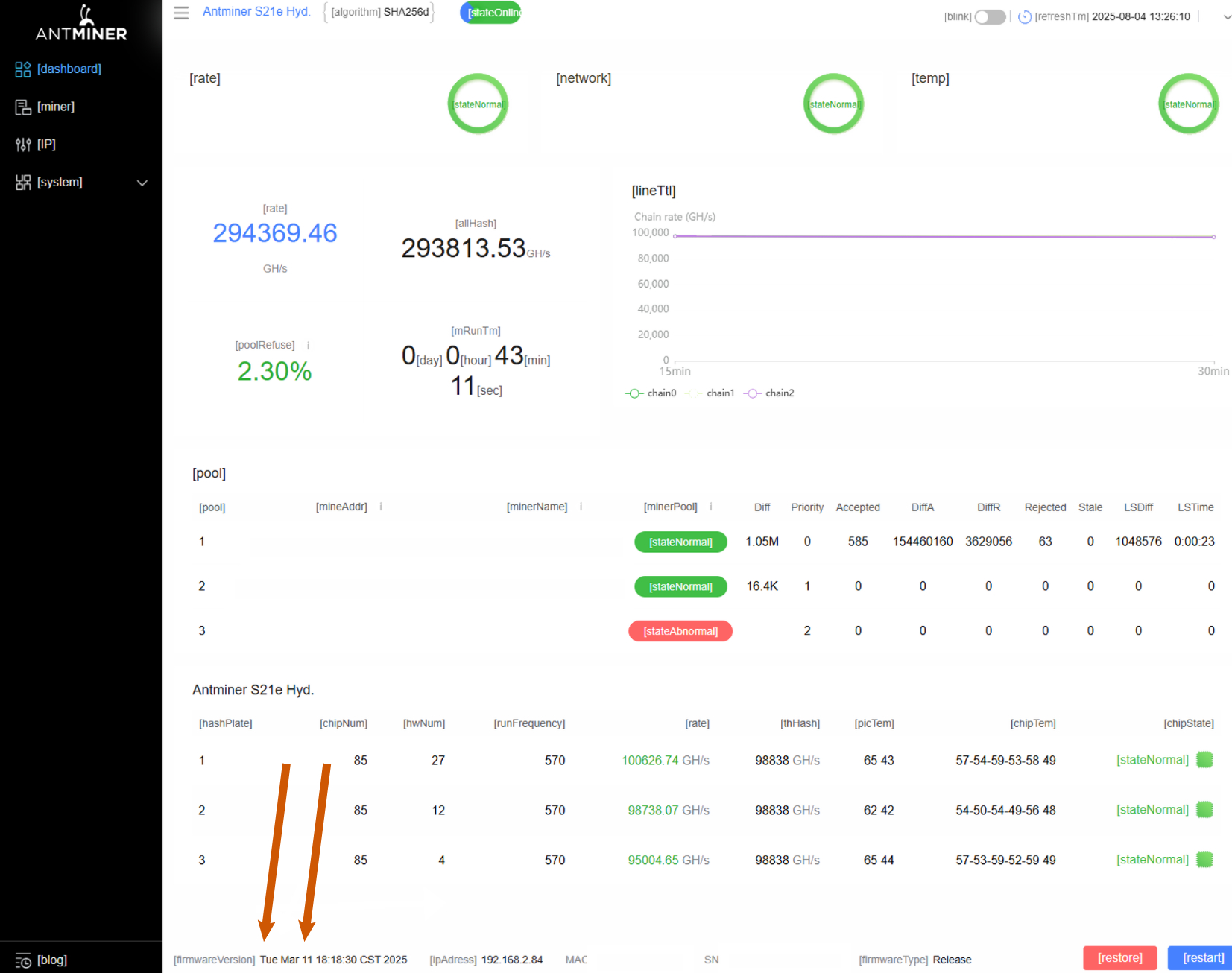
If your Antminer model is listed below, please check the build date of the stock firmware as shown in the screenshot. Use the information below to determine the next steps for flashing your device:
2021 — February 2024 — fully supported by our installer.
March 2024 — November 2024 — update the stock firmware for your model via the stock firmware web interface, then proceed to Step 3.
December 2024 — August 2025 — fully supported by our installer.
September 2025 and later — if your device uses an XIL or CV control board, unlock the stock firmware by following the instructions in our blog, then proceed to Step 3. AML control boards running stock firmware released in September 2025 or later are not supported by the installer.
Antminer 21 series: all models
Antminer L series: L9, L7
Antminer 19 series: S19k Pro, S19j XP, S19e XP Hydro, S19 XP Hydro, S19 XP+ Hydro
If your Antminer model is not listed above, skip this step and proceed directly to Step 3.
Choose your model to unlock:
x21 Series
Steps to unlock:
- Choose and download the correct file archive based on your control board model.
| Control Board | Recovery File |
| CV | DOWNLOAD |
| XIL | DOWNLOAD |
| AML | DOWNLOAD |
| Control Board | Web update |
| all | DOWNLOAD |
- Please refer to THIS blog post to see how you can copy downloaded zip to your SD disk and flash it to miner’s NAND.
Steps to unlock:
- Choose and download the correct file archive based on your control board model.
| Control Board | Recovery File |
| AML | ❗️DOWNLOAD |
| Control Board | Web update |
| all | DOWNLOAD |
❗️Zip files content is from other model. You will be able to mine only at QuantumHash firmware after flashing it.
- Please refer to THIS blog post to see how you can copy downloaded zip to your SD disk and flash it to miner’s NAND.
Steps to unlock:
- Choose and download the correct file archive based on your control board model.
| Control Board | Recovery File |
| XIL | ❗️DOWNLOAD |
| Control Board | Web update |
| all | DOWNLOAD |
❗️Zip files content is from other model. You will be able to mine only at QuantumHash firmware after flashing it.
- Please refer to THIS blog post to see how you can copy downloaded zip to your SD disk and flash it to miner’s NAND.
L Series
x19 Series
Steps to unlock:
- Choose and download the correct file archive based on your control board model.
| Control Board | Recovery File |
| CV | DOWNLOAD |
| XIL | DOWNLOAD |
| AML | DOWNLOAD |
| Контрольная плата | Web-update |
| all | DOWNLOAD |
- Please refer to THIS blog post to see how you can copy downloaded zip to your SD disk and flash it to miner’s NAND.
Steps to unlock:
- Choose and download the correct file archive based on your control board model.
| Control Board | Recovery File |
| CV | DOWNLOAD |
| XIL | DOWNLOAD |
| AML | DOWNLOAD |
| Control Board | Web-update |
| all | DOWNLOAD |
- Please refer to THIS blog post to see how you can copy downloaded zip to your SD disk and flash it to miner’s NAND.
Install QuantumHash Firmware
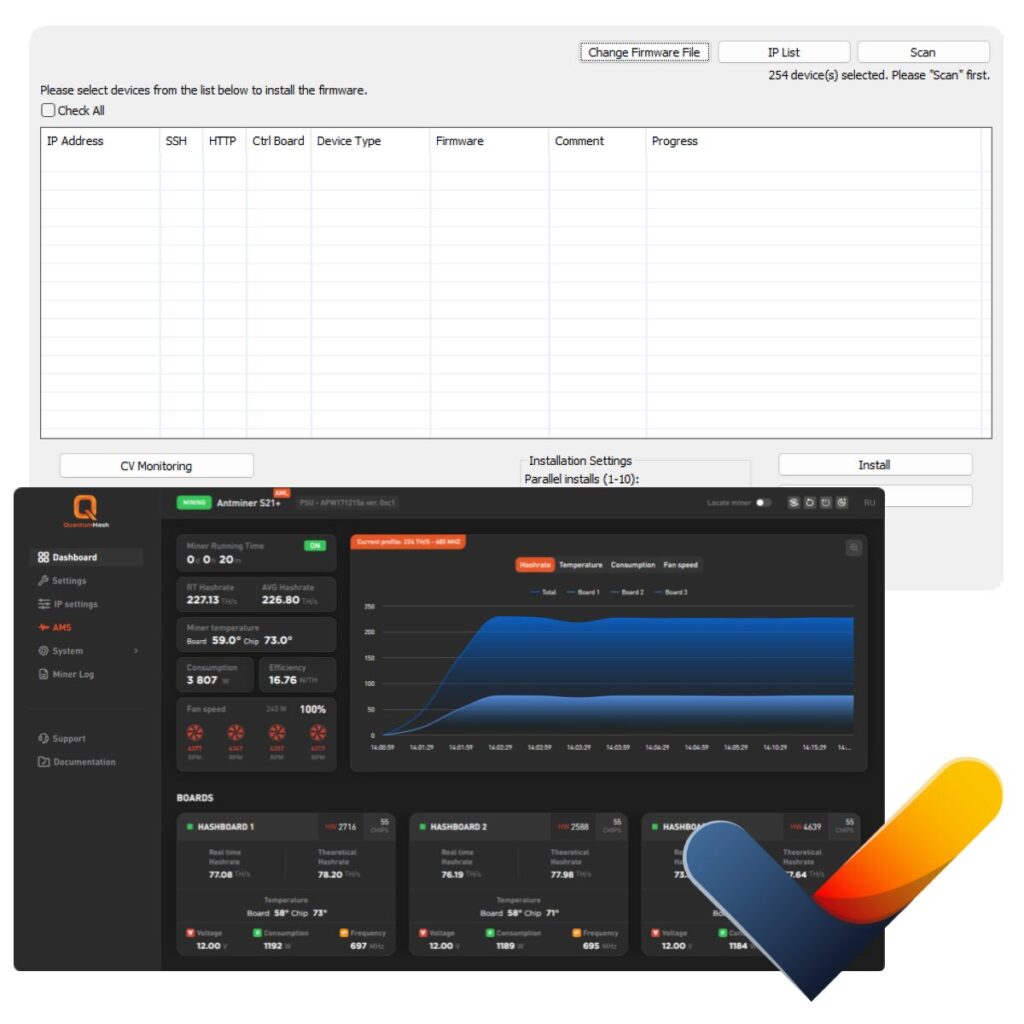
Download our exclusive Firmware Installer
Scan your local network, and let the tool automatically detect all active mining devices.
Simply install the QuantumHash firmware — and you’re all set!
A detailed step-by-step guide is available in our blog.
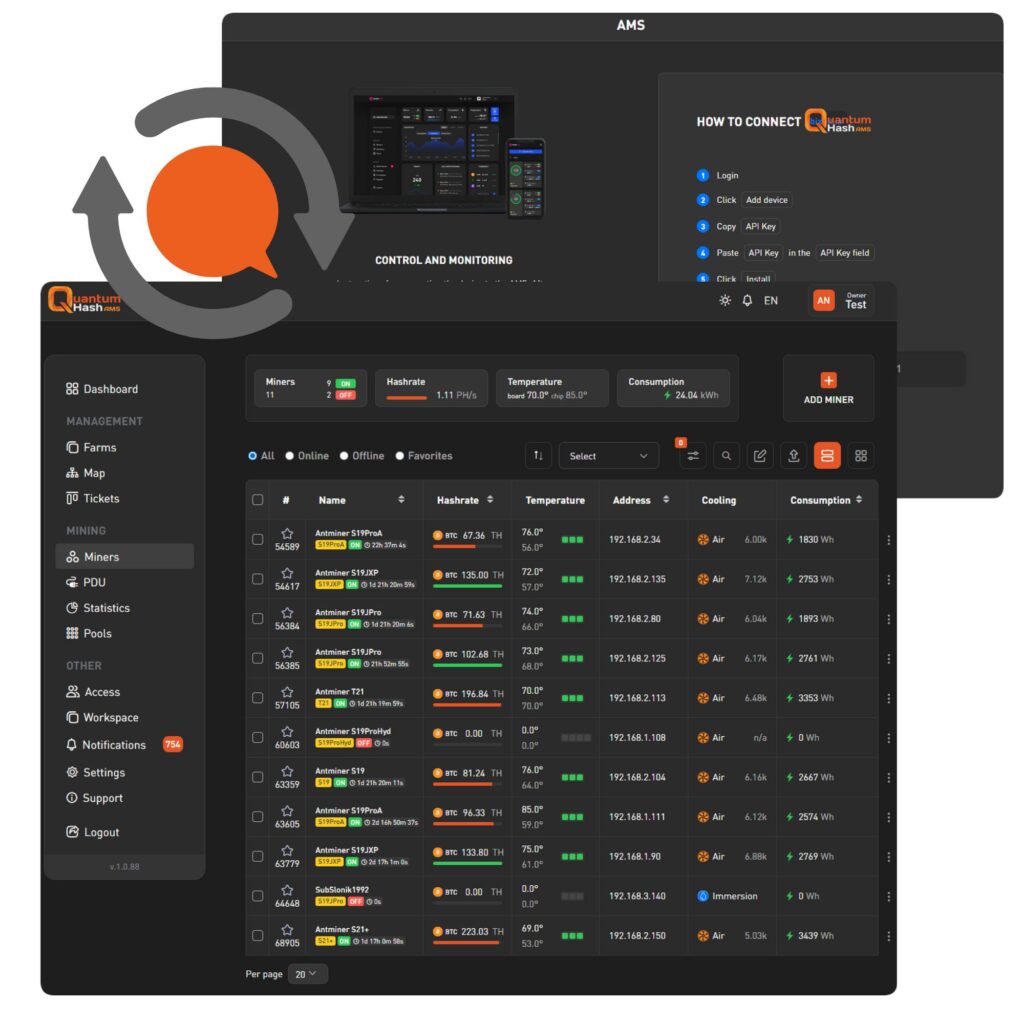
Connect your miners to AMS
Register at our Automated Monitoring System (AMS) !
Find and copy your private API key from there!
Paste it in QuantumHash firmware AMS tab!
Experience powerful monitoring, detailed stats, and full control — anytime, on any device, from anywhere!
A detailed step-by-step AMS guide is available in our blog.
Trusted Solutions
Your hardware
is now under reliable protection with our AMS — your smart choice!
24/7 Support
Leave it to the pros
— our support team is here to help with any questions, anytime.
Expert & Professional
Follow our blog,
and explore more —
never miss an update!